











PACO for Patients
PACO (The Patient and Care Optimiser) was developed by Blinx Healthcare to make managing your health easier, faster, and more connected.
With PACO, you can receive messages from your healthcare team, fill out health forms, and book appointments — anytime, day or night.
No apps to download. No accounts to set up. Just simple, secure access to care when you need it.
Need Help? Contact Your Practice Directly
PACO is a digital tool that helps connect you with your healthcare providers. Any questions or concerns should be directed to your healthcare providers.
If you need medical help, have questions about a message, or want to change an appointment, please reach out to your practice directly.
Getting Started with PACO
No Apps. No Accounts. Just Simple, Secure Access.
Online Access
Your all-in-one hub for managing your health online:
- Book appointments
- Complete health forms
- Make admin or medical requests
- Access helpful information from your practice
- Available 24/7 on any device
- Known as the Digital Front Door
Health Forms
Complete important health tasks without paper or phone calls:
- Submit medical updates, reviews, or admin requests
- Provide clinicians with accurate information before your appointment
- All forms are secure and sent directly to your practice
Self-Book Appointments
Book appointments without waiting on hold:
- Choose a date, time, clinician, and appointment type (in-person or virtual)
- Book or reschedule any time of day
- Designed to fit around your life
- Known as Scheduler
Hear From PACO Patients
Discover how PACO is making a difference for patients like you.
Relieves Our Concerns
Find Your Practice
To access your practice’s Digital Front Door, search online for your practice’s website.
Once you are on your practice’s website, look for an option such as:
- Access the Digital Front Door
- Submit a Medical Request
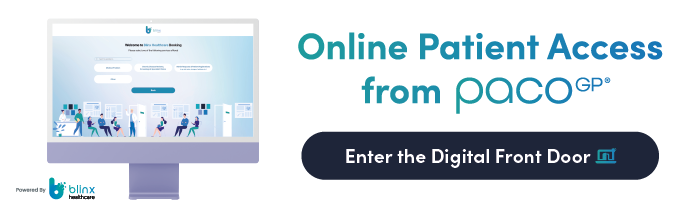
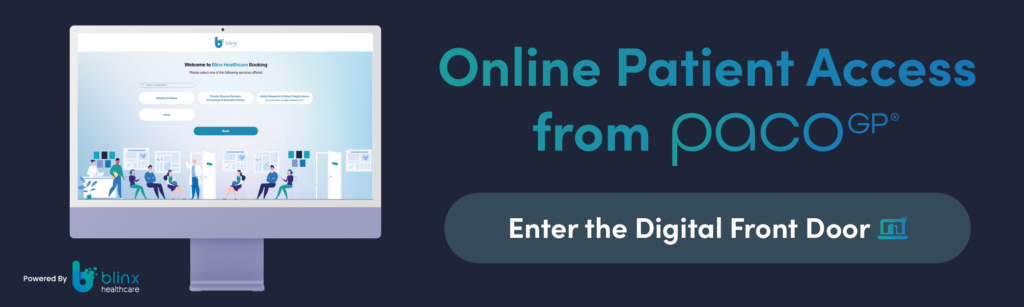
- Alternatively, you may see the option shown in the image below.
Your practice’s Digital Front Door link will be available on their website.
If you need help finding it, please contact your practice directly.